

TL;DR
To handle thousands of attendees:
- Keep all registrations in one place.
- Automate tickets and payments.
- Use QR codes and badges for fast entry.
- Group attendees (VIPs, speakers, sponsors) for the right access and messages.
- Set clear session limits to avoid overcrowding.
- Watch attendance live and adjust staff and doors.
- Cut lines with more lanes, staggered arrivals, and early instructions.
- Choose connected tools and a platform proven at large events.
- Plan 9 to 12 months ahead, with backups for key tools.
Introduction
Managing 10,000+ event attendees is not just a bigger version of running a 500-person event. A slow check-in line, a scattered attendee list, or a missed update can affect thousands of people at once.
At this size, small problems grow fast. If check-in takes one minute per person, a single desk would need more than 160 hours to get everyone through the door. Done by hand, nothing keeps up.
The good news is that large events follow a repeatable pattern. With the right registration setup, automation, and real-time visibility, your team can handle scale without chaos.
Step-by-Step Attendee Management Plan for Large Events
The nine steps below cover the full attendee journey, from the first registration to post-event data.
Step 1 – Centralize Attendee Registration
Keep every registration in one platform. A single source of truth removes duplicate records, simplifies reporting, and lets your whole team work from the same data. Use one registration form with required fields, conditional questions, and dietary or accessibility options, so you collect what you need once.
At large events, registrations rarely come from one place. They arrive from your website, email invites, partner lists, and VIP or sponsor spreadsheets. Bring all of them into the same system well before the event, and clean the data early.
Read More: Why Attendee Management Solutions Are Essential for Event Success
Step 2 – Automate Ticketing and Payments
Manual ticketing does not scale. Set up automated ticket types, early-bird pricing, group discounts, promo codes, and waitlists. Accept cards and local payment methods, and send instant confirmations and receipts. Automated refunds and transfers also save your support team hours of back-and-forth.
Step 3 – Use QR Codes for Fast Check-In
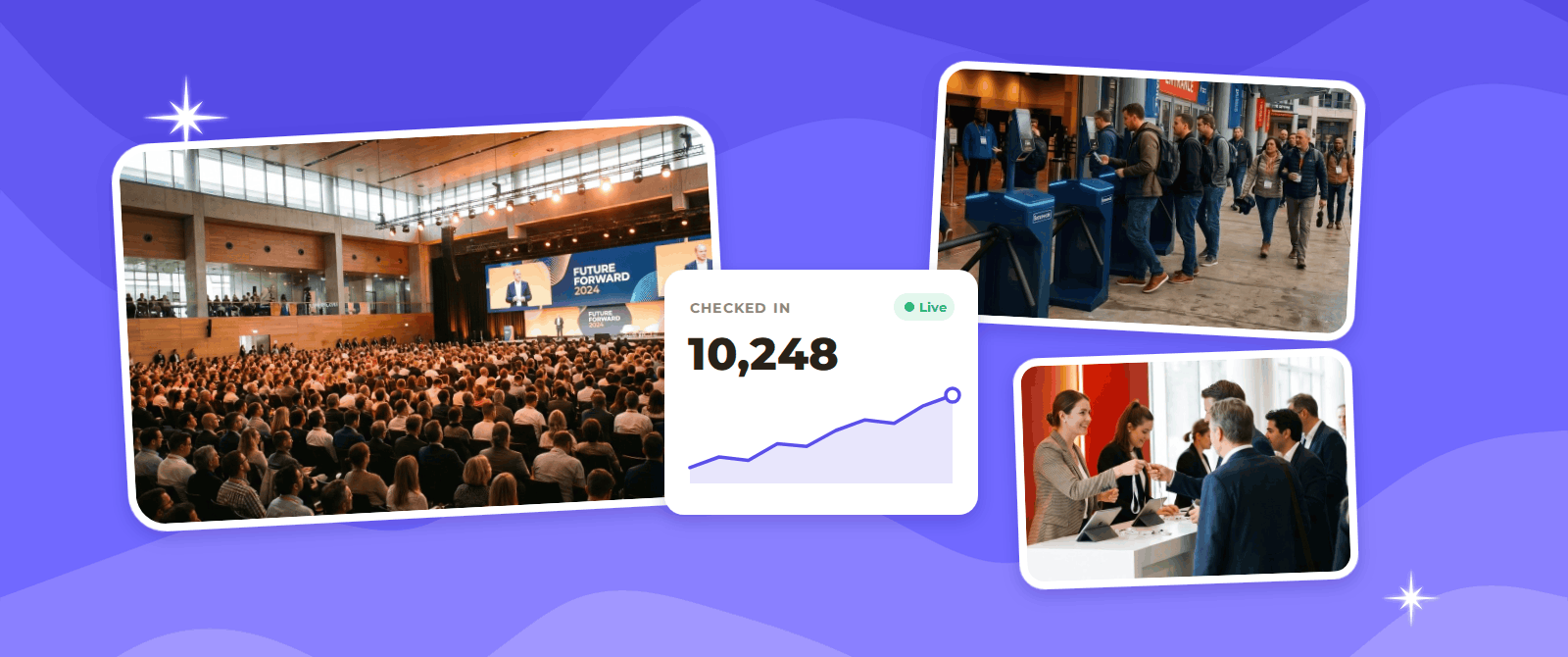
Issue a unique QR code to every attendee at registration. Scanning takes seconds, blocks duplicate or fake tickets, and can run on staff phones or handheld scanners. Open multiple lanes, add separate ones for VIPs and help requests, and keep scanners in offline mode in case connectivity drops. Aim for peak waiting times under 10 minutes.
Read More: Attendee Management for Concert in Dubai: Future of Live Events
Step 4 – Prepare Onsite Badge Printing
Badges give attendees access and help staff identify roles at a glance. For large events, pre-print badges for confirmed attendees and set up onsite kiosks for walk-ins and reprints. Use color coding or icons for attendee type, and print a QR code on each badge for session scanning. Plan enough printers and spare stock for peak hours.
Real-world example: At World Food India 2025, Dreamcast managed registration, badging, and access control for the four-day event at Bharat Mandapam, New Delhi. The team cleaned and merged attendee data from several channels over 10 days, then pre-printed and audited VIP badges ahead of time. On event day, QR-code badging stations at 13 locations and handheld scanners validated every credential on the spot. This helped issue and check more than 70,000 badges across 19+ attendee categories with minimal queuing.
Step 5 – Segment Attendees
Do not treat a large crowd as one audience. Group attendees by ticket type, role (speaker, sponsor, press, VIP), industry, interests, or location. Segments let you assign the right access, send relevant messages, and give sponsors better lead data.
Real-world example: At Startup Mahakumbh 2025, held on April 3 to 5 in New Delhi, Dreamcast built a registration system with more than 50 attendee categories and role-based rules for 100,000+ registrants. Each registrant received a mobile badge as soon as registration was complete. Onsite, self-check-in kiosks and category-specific desks, with fast-track lanes for VIPs and speakers, kept waiting times low. Badge scans at gates, session halls, and swag counters gave organizers live data on crowds and session popularity, and the platform also supported nearly 16,000 B2B meetings.
Step 6 – Manage Sessions and Access
Set capacity limits and registration rules for each session, workshop, and restricted area. Use pre-registration or waitlists for popular sessions, and scan attendees at room entrances to track real attendance. Stagger session start and end times so thousands of people are not moving at once.
Step 7 – Automate Attendee Communication
Send confirmations, reminders, schedule changes, and arrival instructions automatically, triggered by registration status or segment. Combine email, SMS, and app push notifications so urgent updates reach people fast. Prepare templates for delays, weather changes, and emergencies, so your team can respond calmly and consistently.
An event app makes this easier. According to Markletic, 78% of event organizers who use an event app say it contributed to a positive event ROI.
Step 8 – Monitor Attendance in Real Time
Live dashboards show check-in counts, arrival rates, session occupancy, and no-shows. Use them to open extra lanes, redirect crowds, move staff, or release waitlist seats. Real-time data also supports safety decisions, since you can spot overcrowding before it becomes a problem.
Step 9 – Connect Registration With Event CRM
Sync registration data with your CRM so attendee information flows into follow-up campaigns, sales pipelines, and sponsor reports. Connected systems prevent manual exports, keep records accurate, and let you measure results such as attendance by segment and post-event engagement.
What Technology Is Needed for 10,000+ Attendees?
The right tools keep your data connected and your team informed. At this size, you need a set of systems that work together, not a pile of separate apps.
- Registration and ticketing platform: This is the base of your tech stack. It manages forms, ticket types, payments, and every attendee record in one place, so all other tools use the same data.
- Check-in and access control: QR or RFID scanning, turnstiles, and handheld scanners let thousands of people enter in minutes. Add an offline mode so entry keeps running if the network drops, and consider facial recognition for faster, contactless entry.
- Badge printing system: Onsite printers and kiosks linked to registration data print badges in seconds. They also cover walk-ins, name corrections, and reprints without slowing the line.
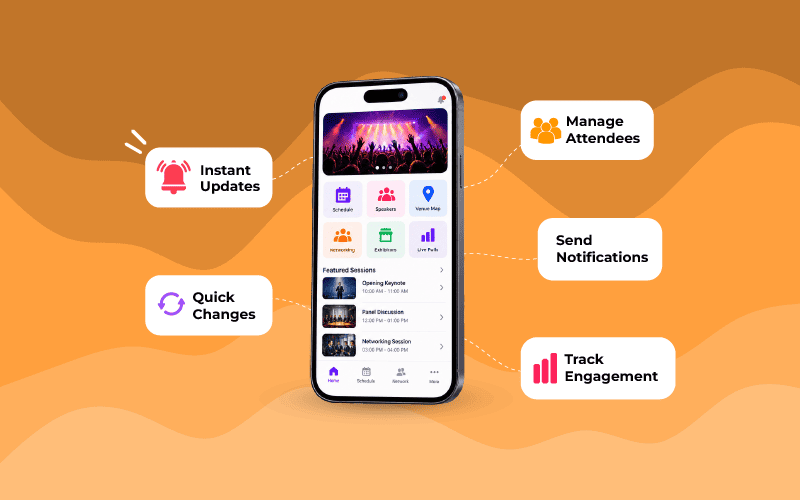
- Mobile Event app: Attendees get the schedule, venue maps, session booking, and push alerts in one place. This cuts the number of questions your help desk has to answer.
- Communication tools: Email, SMS, WhatsApp, and in-app messages can be triggered automatically by registration status or attendee group. People get the right update at the right time without your team sending anything by hand.
- Real-time analytics dashboard: Live check-in counts, queue times, session occupancy, and no-shows show what is happening right now. Your team can then open lanes, move staff, or redirect crowds before small problems grow.
- CRM and marketing integrations: Registration and attendance data flows straight into your CRM. This makes follow-up campaigns, lead scoring, and sponsor reports faster and more accurate.
- Strong network and power: Thousands of phones can overload a normal venue network, so add extra Wi-Fi capacity and backup connectivity. Plan backup power for scanners, printers, and kiosks, too.
Whatever you choose, test the full setup under load before event day. Run a mock check-in with your team, and keep a manual backup ready in case a device or network fails.
How Should You Choose an Event Tech Platform?
For a large event, test the platform under real event conditions, not just in a demo. Use this table when you compare options.
| Criteria | What to look for | Question to ask the provider |
| Scale | Proven results at events of your size or larger | Which events of our size have you run? |
| Registration flexibility | Many attendee categories, custom forms, and rules by role | Can you handle 20+ categories with different access? |
| Check-in speed | QR scanning, kiosks, handheld scanners, and offline mode | How many people can you check in per minute, per lane? |
| Badge printing | Onsite printing, reprints, and color-coded badges | How do you handle walk-ins and reprints at peak hours? |
| Real-time reporting | Live dashboards for arrivals, sessions, and queues | Can my team see live data on the day? |
| Integrations | CRM, payment, email, SMS, and app connections | Which tools do you connect with, and how? |
| Security and data protection | Secure access control and compliance with privacy laws | How do you protect attendee data? |
| Onsite support | A trained team and a clear escalation process | Who is on the ground, and how fast do they respond? |
| Pricing | Clear costs with no surprise fees at high volume | What changes in price if attendance grows? |
Conclusion
Managing 10,000+ attendees is a matter of good systems, not extra effort. Keep registration in one place, automate tickets, payments, and messages, and use QR codes and onsite badging to move people through quickly. Segment your audience, control access to sessions, and watch live attendance so you can react fast. A connected tech stack ties all of these steps together.
The World Food India and Startup Mahakumbh examples show what this looks like at scale: clean data before the event, fast check-in on the day, and live visibility throughout. Choose an event tech platform with a proven record at large events, test everything under load before launch, and keep a manual backup ready.
FAQ
To manage a 10,000+ attendee event, use one registration system, automate ticketing and payments, check people in with QR codes, group attendees by type, and track attendance live.
Send each attendee a unique QR code in advance, open several scanning lanes, and add kiosks for walk-ins. Use scanners that still work offline, and aim to keep peak waits under 10 minutes.
Segments let you give each group the right access, badge, and messages. For example, VIPs, speakers, exhibitors, and general visitors can each follow different entry rules.
You need a registration and ticketing platform, QR or RFID check-in, badge printing, an event app, automated communication tools, a live analytics dashboard, and CRM integrations. Add strong Wi-Fi and backup power, and make sure all tools share the same attendee data.