

TL;DR:
A quick checkout wristband allows people to make payments without any trouble by tapping it. This makes the process much easier at places where a lot of people are waiting. When the wristband works with payment machines, it can handle more transactions that don’t need the internet and show up-to-date information. All of this helps make the payment lines shorter and the checkout process smoother for everyone at the event.
Why Event Payments Get Slow at Busy Counters
At a large festival, concert, sports event, or trade show, payment queues can build quickly when hundreds or thousands of attendees want to buy food, drinks, or merchandise at the same time.
The problem is not always the number of people. When each transaction takes a little longer, those small delays can quickly add up at a busy counter. Cash handling, multiple payment steps, and repeat purchases can all slow down the checkout process.
Contactless payment has become a significant part of everyday payments in the UK. The UK Government’s National Payments Vision reports that contactless payments increased from 3% of all transactions in 2015 to 38% in 2023. The Financial Conduct Authority (FCA) also recognises convenience and speed as benefits of contactless payments. UK Government – National Payments Vision FCA – Contactless Payment Limits Engagement Paper
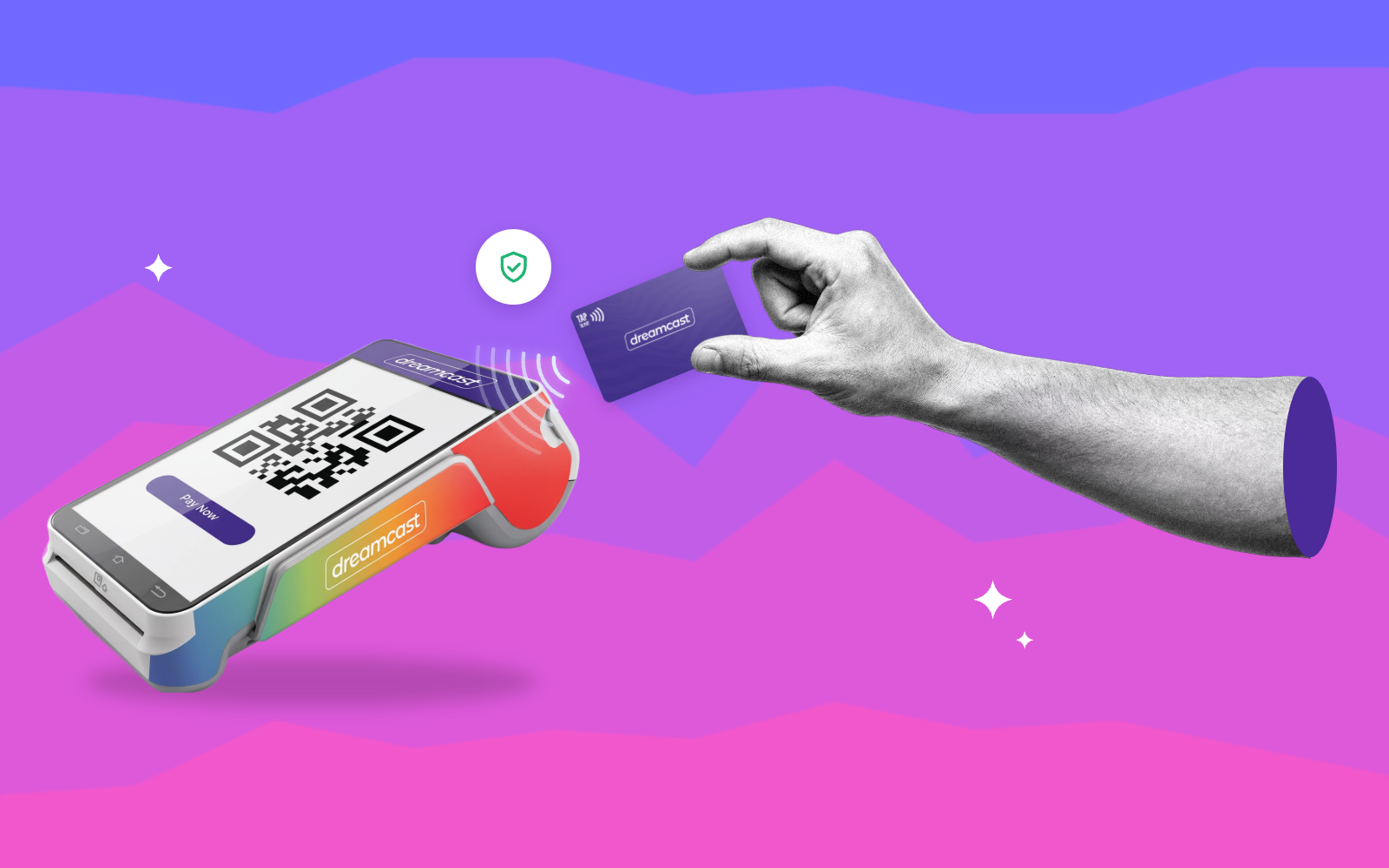
A quick checkout wristband brings this tap-based approach into the event environment. With an RFID or NFC-enabled wristband and compatible payment equipment, attendees can tap to pay instead of repeatedly handling cash or another physical payment method.
The aim is not to suggest that every queue will disappear or that every transaction will take a fixed amount of time. Instead, reducing unnecessary steps at the point of payment can help vendors keep transactions moving when counters are busy, creating a smoother checkout experience for attendees.
How Does a Quick Checkout Wristband Work?
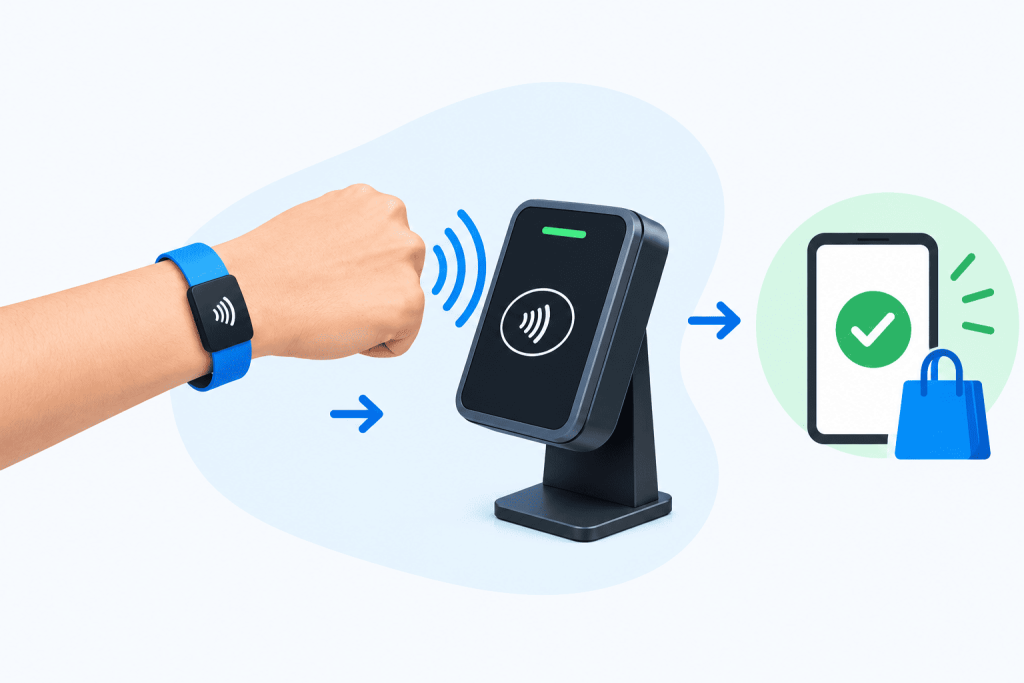
The process is designed to keep payment simple for the attendee while giving the event team visibility into transactions. For a deeper look at setting up RFID-based payments, explore this guide on how to implement RFID cashless payments at events.
1. Issue the RFID or NFC Wristband
Attendees receive an RFID or NFC-enabled wristband that can be used for payments at participating event outlets. Customized wristbands can also support event branding where required.
2. Add Balance
The attendee adds funds through the available recharge or top-up process. Depending on the event setup, supported options can include UPI, debit cards, credit cards or phone-based recharge.
3. Tap to Pay
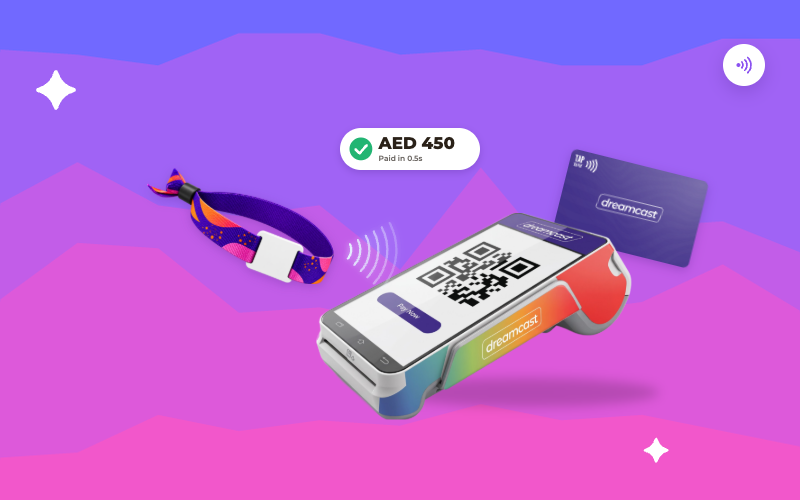
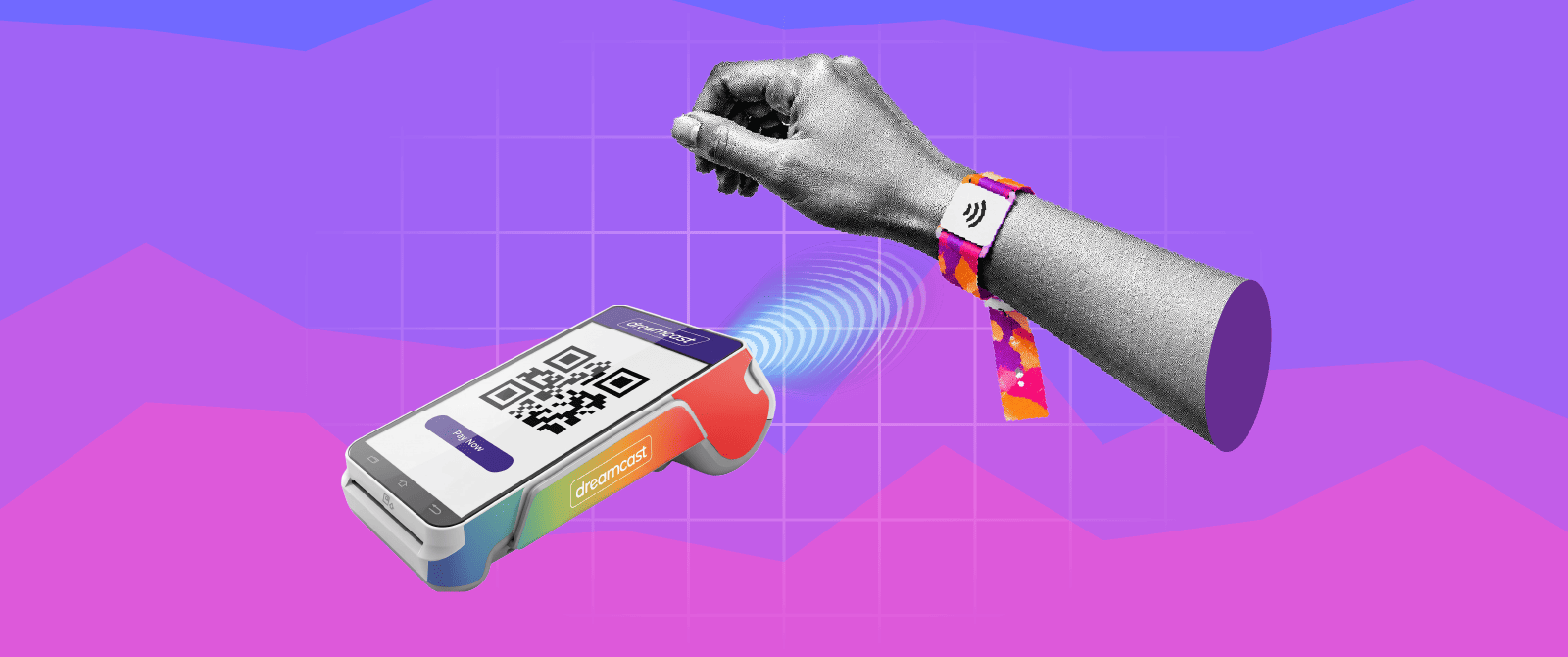
At a participating counter, the attendee taps the wristband on the payment device. The transaction can then be processed without the attendee having to handle cash or repeatedly enter payment details.
4. Record and Monitor Transactions
Transactions are recorded within the cashless system, allowing organizers and vendors to access payment information and monitor sales activity.
This makes the wristband part of a broader queue-free payment solution for events rather than simply a wearable payment credential.
How Quick Checkout Wristbands Reduce Payment Queues
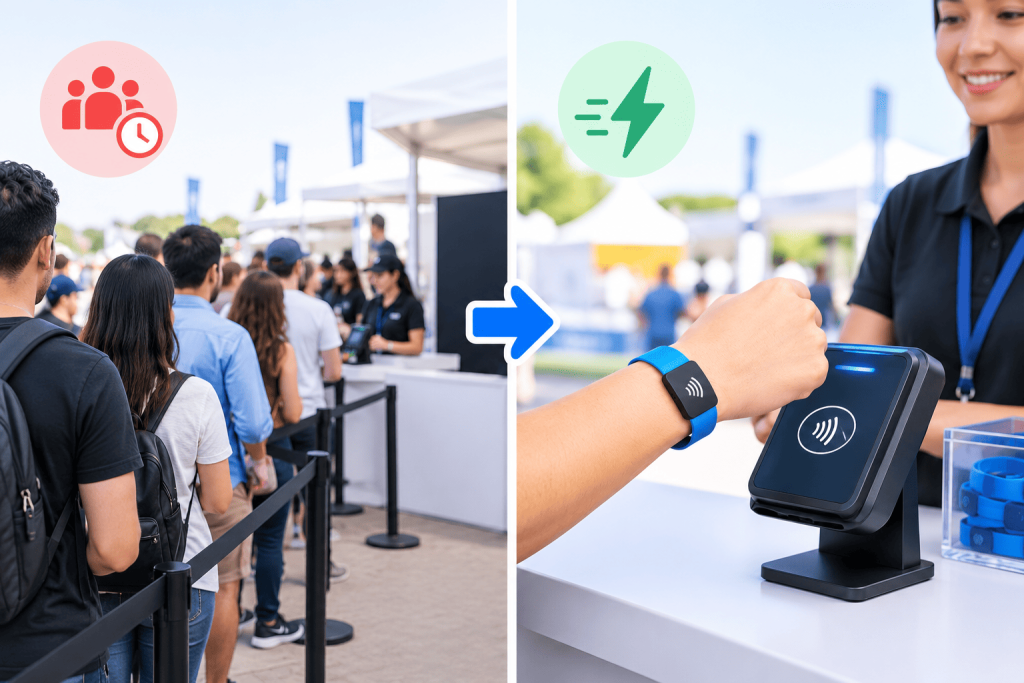
The main advantage of a fast checkout wristband is that it removes unnecessary steps from the payment process. When each transaction can be completed more efficiently, vendors can focus on serving attendees instead of spending extra time handling payment methods.
A well-planned queue management payment solution can help in several ways:
- Tap-based checkout: Attendees can complete payments through a simple contactless interaction.
- Less cash handling: Vendors spend less time counting cash or providing change.
- Faster transaction processing: Shorter payment interactions can help increase checkout throughput during peak periods.
- Easier repeat purchases: Attendees with available balance do not need to repeat the same payment process for every purchase.
- Smoother movement: Faster transactions can help attendees spend less time standing at payment counters and more time participating in the event.
For a high-traffic event, these small improvements can make a noticeable difference to the overall payment experience.
| Stakeholder | How Faster Checkout Helps |
| Attendees | Less waiting and easier contactless payments |
| Vendors | Faster transaction processing and reduced cash handling |
| Organizers | Better transaction visibility and smoother payment operations |
The objective is not to promise that every queue will disappear. Rather, a faster payment process can help reduce payment-related waiting and improve transaction flow at busy outlets.
What Makes the Payment Setup Fast and Reliable?
The wristband is the part attendees see, but the checkout experience depends on the technology and operational setup supporting it. Reliability becomes especially important when payment counters are handling high volumes and event connectivity may be inconsistent. You can also explore this guide on why a reliable cashless payment solution matters for events.
Fast Payment Hardware
Payment devices need to handle transactions efficiently when multiple attendees reach a counter at the same time. Plug-and-play payment devices, handheld hardware and NFC support can help create a faster checkout environment.
Offline Payment Capability
Connectivity problems can quickly disrupt checkout if payment processing stops whenever the internet becomes unstable.
Dreamcast Cashless supports transactions, allowing payment operations to continue during connectivity disruptions and synchronizing transaction data once connectivity is restored. This can be particularly useful for festivals and event environments where network availability may be inconsistent.
Easy Balance Reloads
A fast checkout experience can be interrupted if an attendee runs out of available balance. Recharge and top-up options allow attendees to add funds and continue using the cashless payment system.
Real-Time Transaction and Inventory Visibility
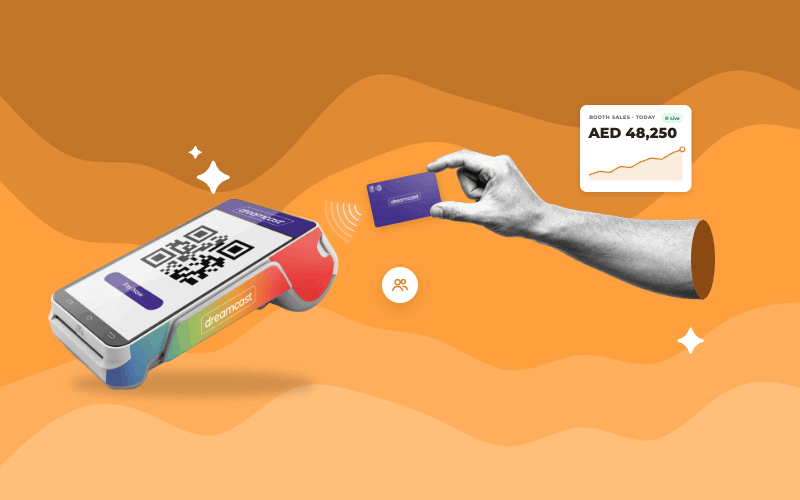
Fast checkout must also work together with event operations. Real‑time transaction insights allow organizers and vendors to see sales activity. Inventory management shows stock levels and sales. WhatsApp‑based reporting gives event teams a way to get transaction information during an event.
Billing and Payment Records
If an event needs billing papers, the tax invoice tool can help with payment and transaction tracking while also working with the cashless checkout. Together, these tools make the payment system more helpful than a wristband.
Why Faster Checkout Matters at Festivals and Large Events
The need for payments becomes clearer when an event has a lot of people coming and going and when there are times when many people want to buy things at the same time.
At a festival, for example, food and beverage counters may see a rise in sales before or during a big performance. Stores that sell things can have problems when people come or go together.
A payment solution that does not require waiting in line at festivals can help with this problem by making each payment faster and giving sellers a better way to handle payments. The same idea works for events where people may buy a lot of things from different places.
Which Events Benefit Most From Quick Checkout Wristbands?
A quick checkout wristband for events can be particularly useful when an event has high attendance, multiple vendors, or several payment points operating at the same time.
Common applications include:
- Music festivals and concerts
- Sports events
- Food and flea markets
- Trade shows and expos
- Community events
- Nightclubs
- Large entertainment events
- Events with multiple food, beverage or merchandise outlets
For sports events, for instance, RFID wristbands and NFC payments can support purchases across food, beverage, merchandise, and fan-zone outlets. To see how this works in a specific event environment, explore how cashless payments are managed at sporting events.
At trade shows and expos, faster contactless payments can help vendors handle purchases while transaction reporting provides greater visibility into sales activity.
What to Look for in a Contactless Checkout Solution for Events
Choosing a wristband is only one part of building an effective event payment system. The supporting technology should be able to handle high transaction volumes and the practical challenges of live events.
If you want to understand the wider capabilities of an event cashless setup, see this guide to cashless payment solutions for events and venues.
When evaluating a contactless checkout solution for events, look for:
- RFID or NFC wristbands for tap-based payments
- Fast payment devices suited to busy counters
- Offline payment capability for connectivity disruptions
- Multiple top-up options for convenient balance reloading
- Real-time transaction reporting for payment visibility
- Inventory management for stock-heavy event operations
- Tax invoice billing where required
- Secure payment operations with reduced cash handling
- Scalable infrastructure for different event sizes
- Branding options for customized event wristbands
The right system should improve payment speed without making event operations more complicated.
Make Event Payments Faster With Dreamcast Cashless
A quick checkout wristband works best when it is part of a complete cashless payment setup. Dreamcast Cashless brings RFID and NFC payments together with payment hardware, top-ups, offline transactions, reporting, inventory management, and tax invoice billing.
For events dealing with high attendee volumes and busy payment counters, this approach can help simplify checkout, reduce payment-related waiting, and give organizers greater visibility into transactions.
Frequently Asked Questions:
A quick checkout wristband uses RFID or NFC technology to enable contactless payments. Attendees add balance and tap the wristband on a compatible payment device when making a purchase.
Yes. Tap-based payments reduce the number of steps required at checkout, which can help vendors process transactions faster and reduce waiting at busy payment counters.
An offline-enabled cashless payment system can continue processing supported transactions during connectivity disruptions and synchronize transaction data when connectivity is restored.
Yes. They can be useful for high-footfall events with multiple vendors and payment points, particularly where fast checkout and efficient payment management are important.