

TL;DR
- Cashless payment systems let attendees pay without physical cash.
- Payments can use cards, UPI, QR codes, mobile wallets, NFC, or RFID wristbands.
- Organizers get real-time transaction and vendor-level payment data.
- Features like inventory visibility and offline payments support smoother event operations.
- Cashless technology works well for festivals, conferences, exhibitions, concerts, and other large events.
A cashless payment system for events replaces physical cash with digital payment methods such as cards, QR codes, NFC, RFID-enabled wristbands, and digital wallets. For organizers, it can mean faster transactions, better payment visibility, easier vendor management, and a smoother attendee experience.
Managing payments at an event sounds simple until thousands of attendees are trying to buy food, merchandise, drinks, or experiences at the same time. Cash handling can slow transactions, create queues, increase reconciliation work, and make it harder to understand what is happening across vendors.
This is why every modern event should aspire to be cashless.
Globally, digital payments, including wallets, account-to-account payments, and BNPL, rose from 3% of in-person shopping value in 2014 to 38% in 2024, according to Worldpay’s 2025 Global Payments Report.
But going cashless is not simply about replacing notes and coins with a card reader. The right event payment system should also handle high transaction volumes, support multiple payment methods, provide real-time data, and continue operating when connectivity becomes unreliable.
In this blog, we will discuss how cashless event payments work, which payment methods you can use, what benefits they offer, and what to consider before choosing a solution.
Key Takeaways
- Cashless systems replace physical cash with cards, UPI, QR codes, NFC, and RFID.
- They help speed up transactions and reduce queues at busy events.
- Real-time payment data gives organizers better visibility into sales and vendors.
- Offline payment capability helps keep transactions running during connectivity issues.
- Cashless technology can simplify vendor management, inventory tracking, and reconciliation.
- Organizers should prioritize security, scalability, payment flexibility, and technical support.
- The right system should support the entire event payment workflow, not just transactions.
- For large events, cashless payments can improve both attendee convenience and operational control.
What Is A Cashless Payment Solutions?
A cashless payment system lets event attendees purchase products or services digitally without handling physical money.
Instead of paying a vendor with cash, attendees can tap an NFC-enabled device, scan a QR code, use a payment card, or pay with an RFID wristband or other event credential, depending on the system.
In an ACI Worldwide/YouGov study, 42% of Indian consumers preferred digital payments for merchant purchases during the festive season, compared with 27% preferring cash.
However, behind the scenes, the transaction is recorded digitally. Organizers and vendors can then access information such as sales activity, transaction history, and purchasing patterns.
This creates two experiences at once:
- For attendees: faster and more convenient payments.
- For organizers: greater visibility and control over event transactions.
90% of transactions at the large festivals studied by Easytransac were made by credit card, while 10% used cashless cards or wristbands. The study covered almost 250,000 festival-goers across 2023-24.
Cashless payment systems are particularly useful where large numbers of people make purchases within a short period, such as music festivals, exhibitions, food festivals, conferences, and sporting events.
A Timeline Of Cashless Payments
- 1995 saw the introduction of the first contactless payment card for commuters worldwide by the Seoul Bus Transport Association.
- 1996 saw the release of the first iteration of the EMV security standard.
- In the United States, contactless cards were first used in 2004.
- In 2008, contactless credit cards were first made available by Visa, American Express, and MasterCard.
- Launched in 2011, Google Wallet and Android Pay enable contactless payments using smartphones as opposed to cards.
- In 2018, Google Wallet and Android Pay merged to form Google Pay.
- COVID-19 worries drive up the use of contactless payments in 2020
How Do Cashless Payments Work?
Fact Time:
12.82 million cashless transactions worth £72 million were processed across more than 250 events in 22 countries and five continents by PlayPass in 2019.
Although the exact workflow varies by technology, a typical cashless event payment process looks something like this.
1) Attendees receive a payment credential
Depending on the event, attendees may use their existing payment card, QR code, mobile wallet, NFC-enabled device, or an RFID wristband/card.
2) The payment method is activated or linked
For closed-loop systems, an attendee may create an event wallet and add funds through an approved top-up method.
Open-loop systems may allow attendees to pay directly using their existing payment credentials.
3) The attendee makes a purchase
At a food stall, merchandise counter, bar, or activity zone, the attendee taps, scans, or presents their payment method at the POS terminal.
4) The transaction is recorded
The payment is processed, and the transaction data is captured by the event payment system. This is how an ACI study found that 32% of respondents had not used cash at all for festive-season purchases.
5) Organizers access transaction data
Depending on the platform, organizers can monitor sales, vendor activity, inventory, transaction volumes, and other operational information through centralized reporting.
6) Funds and balances are reconciled
For closed-loop systems, unused balances may be handled according to the event’s refund policy. Vendors can also use transaction records for reconciliation and settlement.
This workflow removes several manual steps associated with cash handling and gives event teams a more structured view of payment activity.
What Payment Methods Can Events Use?
There is no single cashless payment method that works for every event. The right combination depends on attendee preferences, event size, venue infrastructure, and whether the event requires an open- or closed-loop payment system.
Credit and Debit Cards
Card payments are familiar to most attendees and can be accepted through compatible POS terminals. They are particularly useful when organizers want attendees to pay directly without creating a separate event wallet.
At Cocoon In The Park, promoters reported a 39% increase in revenue after moving to cashless POS compared with their previous non-cashless event.
UPI Payments
UPI is especially relevant for events in India. Attendees can pay by scanning a QR code or using a compatible UPI application, making it a convenient option for everyday event purchases.
QR Code Payments
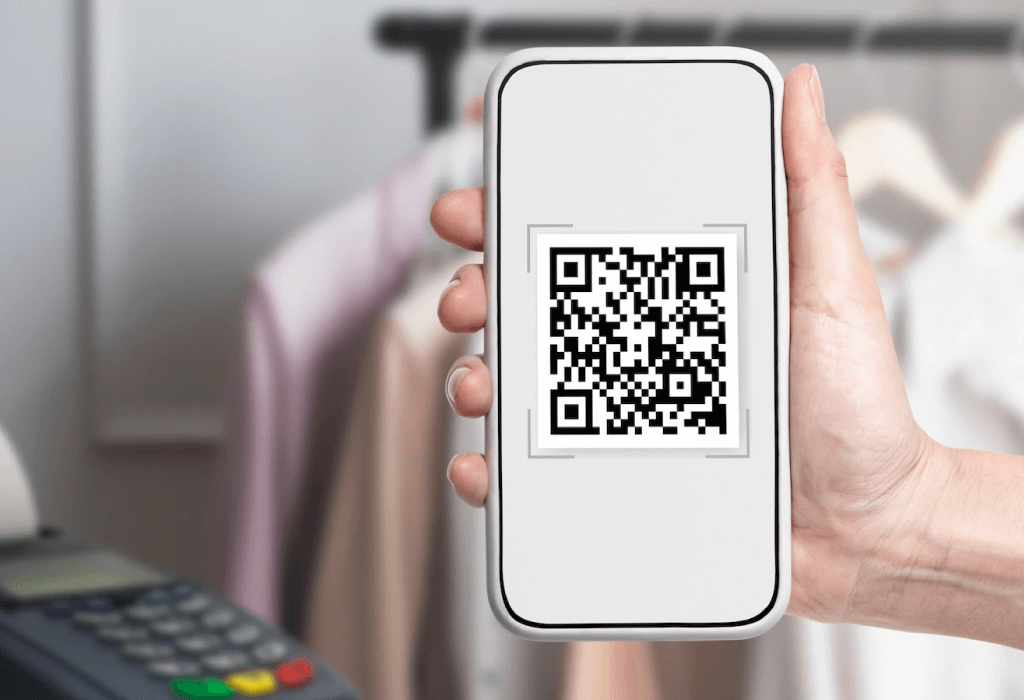
QR codes provide a simple way to initiate digital payments using a smartphone. They can be displayed at vendor counters or integrated into event credentials and payment workflows.
NFC Payments
NFC enables contactless transactions by allowing a compatible card, smartphone, or other NFC-enabled device to communicate with a payment terminal through close-range wireless technology.
RFID Wristbands and Cards
RFID-enabled wristbands or cards can act as event credentials for cashless transactions. They are particularly useful at festivals and other events where attendees need a convenient wearable or physical credential.
Mobile Wallets
Mobile wallets allow attendees to pay through a supported digital wallet rather than handling physical cash. Their usefulness depends on the wallets and payment infrastructure supported by the event system.
What Are the Benefits of Cashless Payments at Events?
The biggest advantage of cashless technology is not simply that attendees do not need cash. It is that payment becomes part of a faster, more measurable event operation.
Faster Transactions and Shorter Queues
Cashless payments can reduce the time spent counting cash, finding change, and manually recording purchases. Tap-and-go or scan-based transactions can help vendors serve more attendees during busy periods.
Cashless payments reduced average order time by 20% in Weezevent’s festival data. It also found that an average buyer made 10 transactions per cashless event.
At high-footfall events, even small improvements in transaction speed can have a noticeable effect on queues and crowd movement.
Better Attendee Experience
Attendees can move around the venue without carrying cash or repeatedly looking for ATMs. A quick tap, scan, or card payment makes purchasing food, merchandise, or other event offerings more convenient.
Do you know that at Snowboxx 2018, 63% of all merchant transactions were made by card, while 41% were specifically contactless? Well, you do now.
The festival had around 6,000 attendees. The result is less friction between the attendee and the purchase.
Real-Time Transaction Visibility
Instead of waiting until after the event to reconcile sales, organizers can access transaction information as the event is happening.
Depending on the platform, this can include:
- Total transaction volume
- Sales by vendor
- Popular products
- Peak purchasing periods
- Wallet activity
- Refund activity
- Inventory information
This allows event teams to make operational decisions using current data rather than assumptions.
Better Vendor Management
Vendors can process payments digitally and maintain clearer transaction records. Organizers can also compare vendor performance and simplify reconciliation.
This is particularly useful when dozens or hundreds of vendors operate across different areas of a large event.
Reduced Cash-Handling Risk
Physical cash introduces challenges around theft, loss, counting, storage, and reconciliation. Digital transactions create an electronic record that can make financial tracking more structured.
However, cashless does not automatically mean risk-free. Organizers should still evaluate encryption, authentication, payment security, access controls, and data-handling practices when selecting a platform.
Improved Inventory Management
When payment and POS data are connected with inventory information, organizers and vendors can identify which products are selling and when demand is increasing.
That can help teams plan restocking and staffing during the event instead of reacting after a product has already sold out.
India's UPI transaction value reached ₹213.8 lakh crore by January 2025, up from ₹21.3 lakh crore in FY2019-20, according to India's Ministry of Information & Broadcasting/PIB.
What Happens If the Internet Goes Down?
This is one of the most important questions to ask before choosing a cashless event payment system.
A conventional online-only payment workflow may be disrupted when connectivity becomes unstable. That can be a serious problem at outdoor festivals, stadiums, remote venues, or crowded events where network congestion is possible.
An offline-capable cashless system can allow eligible transactions to continue when live connectivity is unavailable, with transaction information synchronized once the connection is restored.
If your event is large or takes place in a location with unreliable connectivity, offline payment capability should be treated as an important requirement rather than an optional feature.
Cash Payments vs. Cashless Payments at Events
| Factor | Cash Payments | Cashless Payments |
| Transaction speed | Slower | Faster |
| Queue management | More difficult | Easier |
| Transaction tracking | Manual/limited | Digital and centralized |
| Vendor reconciliation | More manual | More structured |
| Spending insights | Limited | Detailed |
| Inventory visibility | Limited | Can be real-time |
| Cash handling | Required | Reduced or eliminated |
| Attendee convenience | Lower | Higher |
The important distinction is that cashless technology does more than change how attendees pay. It can change how organizers manage payment operations.
What Should You Look for in a Cashless Event Payment System?
Choosing a cashless platform based only on the payment method can be a mistake. Look at the entire event workflow.
1. Multiple payment options
Choose a system that supports the payment methods your audience actually uses, such as cards, UPI, QR codes, NFC, or RFID.
2. Offline transaction capability
If your venue has unreliable connectivity, confirm whether the system can process transactions offline and synchronize data afterward.
3. Real-time analytics
Look for dashboards that provide useful information about sales, vendors, transactions, and purchasing patterns while the event is running.
4. POS and inventory management
Payment technology becomes more valuable when it connects transactions with product-level billing and inventory information.
5. Security controls
Ask about encryption, authentication, transaction monitoring, access controls, and how the system handles attendee and payment information.
6. Scalability
A system that works for 500 attendees may not be suitable for 50,000. Evaluate transaction capacity, number of POS terminals, vendors, payment points, and peak-hour requirements.
7. Support
Payment problems are event-day problems. Make sure the provider offers adequate technical support and a clear escalation process.
How Dreamcast Helps Events Go Cashless
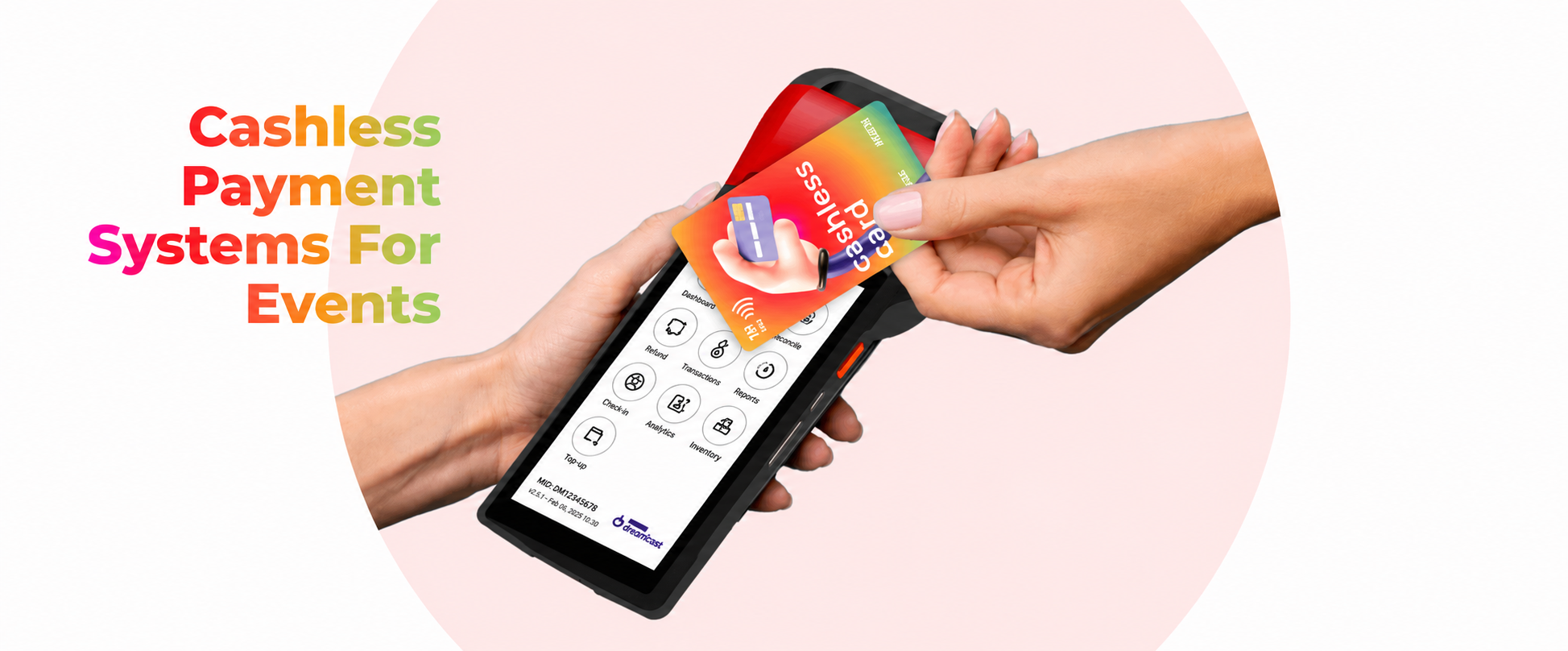
Dreamcast offers a dedicated Cashless solution for event payments, with features designed around high-footfall event environments. Its platform highlights internet-independent transactions, inventory management, integrations, security, and real-time insights.
The solution can support cashless workflows using technologies such as NFC and RFID, alongside POS-based transactions and operational reporting.
Dreamcast also cites experience processing $5M+ in cashless transactions and 550,000+ card and wristband swipes across 500+ events globally.
One example is Ziro Festival of Music 2024, where Dreamcast reports supporting NFC-enabled wristbands and cards, POS systems, offline transaction processing, and live reporting for an event that welcomed approximately 6,000–7,000 attendees per day.
The important takeaway for organizers is simple: don’t choose a cashless payment system only because it accepts digital payments. Choose one that can keep transactions moving, give your team visibility, and fit the operational realities of your event.
A study of 2,681 festival attendees at Primavera Sound Porto examined adoption of digital payment methods such as MB WAY, Apple Pay, and Google Pay versus cash and card.
Final Words
Cashless payment systems have become much more than an alternative to physical cash. For modern events, they can serve as an operational layer connecting attendee payments, vendors, inventory, transaction data, and event reporting.
The right solution should make payments easier for attendees while giving organizers better control behind the scenes, just like Dreamcast Cashless. If you are planning a high-footfall event, prioritize transaction speed, payment flexibility, offline capability, security, scalability, analytics, and support before making your decision.
FAQs
It is a digital payment solution that allows attendees to make purchases without physical cash using cards, QR codes, NFC, RFID, mobile wallets, or other supported methods.
They make payments faster, reduce queues, and improve the overall experience. Organizers gain better control, vendors enjoy smoother reconciliation, and guests feel more at ease.
Yes. Many cashless platforms are built with offline support. Payments continue even when connectivity drops, and later the data syncs back into the system.
They can top up at kiosks, recharge points, or use mobile wallets. The process is simple and quick, ensuring no delays at stalls.
Beyond payments, organizers receive analytics. Spending patterns, vendor performance, and peak hours are tracked in real time. This helps in planning future events with more precision.
Transactions are encrypted, fraud detection is active, and risks linked to cash handling are removed. Security is part of the design.
Yes. Wristbands, cards, and QR interfaces can be customized to match the event identity. This strengthens the brand presence and adds a professional touch.
Small gatherings, large expos, music festivals, conferences, sports events, and food fairs. The systems scale up or down depending on the size and nature of the event.
Unused balances can be refunded back to attendees. Some systems even allow instant auto-refunds at exit points, which builds trust and satisfaction.
Yes. Vendors enjoy faster transactions, reduced errors, and easy reconciliation. Reports are generated quickly, making payouts smoother and more reliable.