
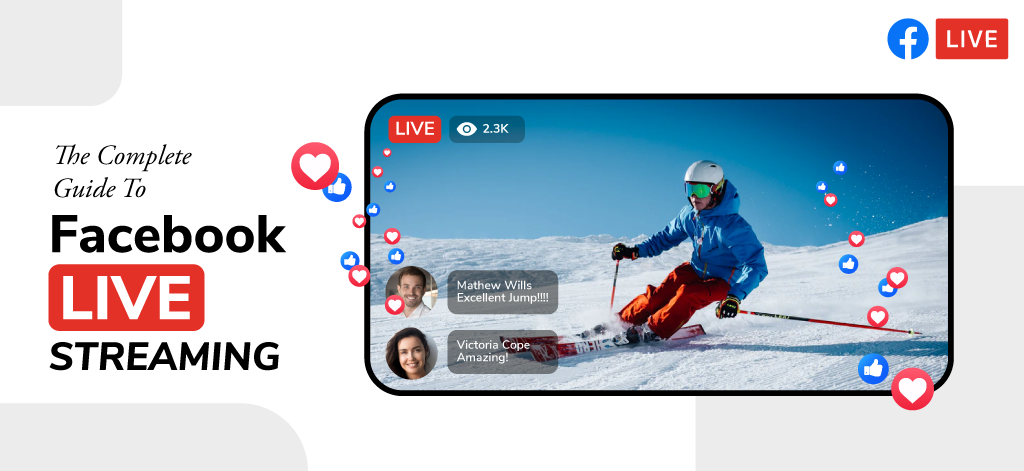

Facebook Live is one of the easiest ways to broadcast events, webinars, product launches, and business updates to a large audience in real time. With billions of active users on Facebook, businesses can reach viewers where they already spend time, encourage interaction through comments and reactions, and extend event visibility beyond physical attendees.
This guide explains how Facebook Live works, what equipment you need, how to improve stream quality, and the best practices businesses can use to increase engagement and viewership.
In today’s age, live-streaming video has become one of the most effective ways of communicating with your online audience. A Facebook live stream can dramatically increase your brand’s reach and online presence.
By allowing us to broadcast live video to Facebook, the social media platform has enabled us to leverage our established online audience and connect with them on a level that is not possible with traditional methods like posting text or images.
In this blog, we’re going to take a look at Facebook Live streaming and how to plan and execute the perfect Facebook live stream for your brand.
What is Facebook Live?
Facebook Live is a feature of the social media platform, Facebook, which enables people to broadcast live video to Facebook. The feature was introduced first in 2016 and was limited to only certain accounts. Now, there are only a few things you need to have to start a Facebook live stream.
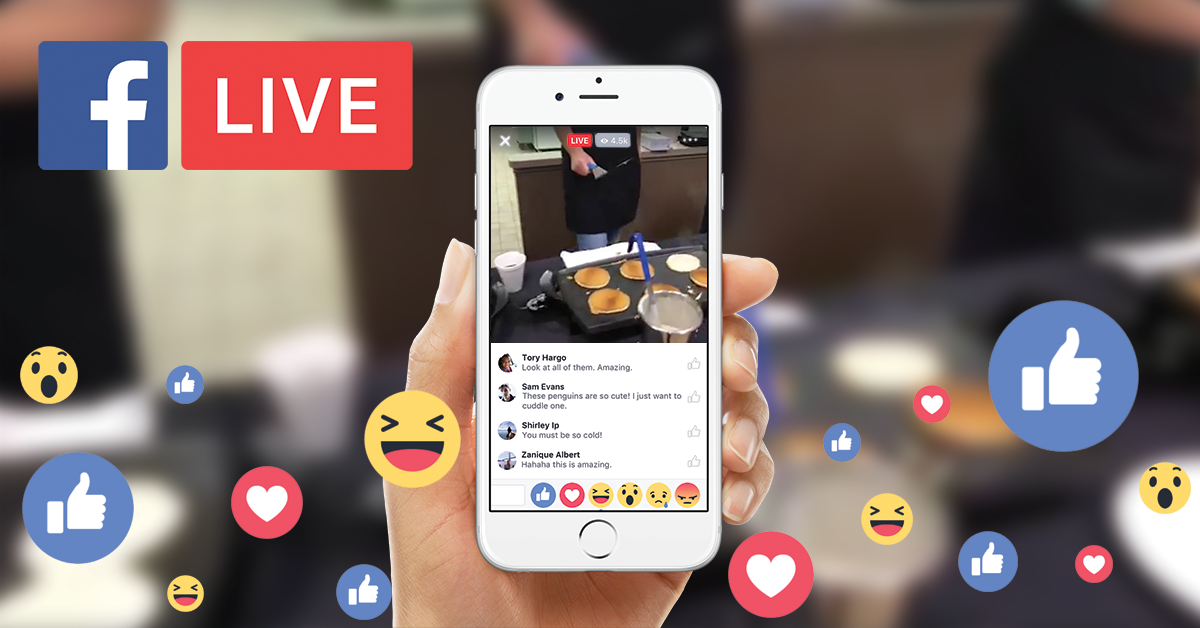
Every type of brand or business can benefit from using Facebook live streaming solutions to further their digital marketing initiatives. There’s a lot of potential in live streaming video in general, and it is becoming a standard part of the digital marketing strategy for most brands or businesses.
Of course, when compared to other live-streaming platforms, Facebook Live has both advantages and disadvantages in terms of features and accessibility. While using the services of a Facebook live streaming company is common for most businesses, it is still essential to understand how the platform works.
Let’s Go Through A Facebook Live Stream
Going live on Facebook is fairly simple. Here are the steps that are involved in a Facebook Live stream. Let’s see how we can broadcast live video to Facebook:
1. Tap the camera icon that is located on the left of the search bar
On the mobile app, find the camera button located near the search bar. Once you click on the camera icon, it’ll open your camera. Other ways of going live including choosing the “Go Live” option in the status section that reads “What’s on your mind”.
2. Provide camera access to Facebook and select the live option
Once the camera section opens, the app will ask you to give access to your device’s camera and microphone. Access can be provided just by clicking a button. Once the access is provided, you can swipe left until the live video option is selected.
3. Select your privacy settings for the live stream
Once you activate the live section of the app, you have the option of deciding whether your live stream would be a public one or a private one. Changing the settings is relatively simple, but for most brands, it would be advised to leave the stream as public only.
4. Enter a great description for your live stream
This step involves writing an excellent summary of your live stream. Your description is essential as it’ll provide information about your stream to potential viewers. Writing an attention-grabbing story will ensure you get more viewers on your live video.
5. Add other data about the stream
You’ll find options to enter more data about the video, such as the ability to tag people in the live video and add the location of the stream. The reach of your live stream can be increased by adding more information so you should keep this in mind.
6. Using engagement features like lenses or filters
Facebook Live also provides a lot of engagement features like lenses and filters that can help make your stream stand out a bit and be more interesting visually. Of course, these features are basic when compared to the amount of customization Facebook webcasting vendors can provide for your live stream.
7. Let’s go live
Once everything is ready, you should see a button with the text “Go Live”. To start your facebook live stream, you have to click on it!
Recommended: How To Use Facebook Live Effectively For Your Business Broadcasts & Webcasts
Connect with the Industry's Most Experienced
Live Streaming Service Providers.
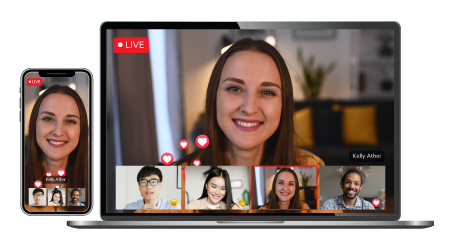
What are the Best Tips For Facebook Live
While starting a live video may be simple, creating an engaging live stream is not that simple. Here are some tips to help you out:
1 Prepare for the stream
Even if you are using the services of a Facebook Live streaming company, it is vital to have some level of preparation before diving into the live stream. Fortunately, most Facebook webcasting vendors will have strategies to help you prepare for your stream.
2. Keep letting viewers know who you are what you’re doing
When it comes to live video, a lot of viewers will be joining the stream after it has started. It is important to keep repeating your name from time to time during the stream to ensure all of your viewers are aware of the concept. Facebook live video streaming services can provide overlays on top of your stream so that most viewers can understand the context just visually.
3. Don’t forget to engage
The most important thing that can make or break a live video is the engagement factor. To have a successful stream, you should continuously be engaging with your viewers. It is vital to use their names or mentioning their comments to ensure a personal feel to the live stream.
Recommended: How Facebook Live Has Made Live Streaming Easy
4. Test Your Equipment Before Going Live
Technical issues can quickly reduce viewer interest. Before starting your Facebook Live stream, test your camera, microphone, lighting, and internet speed. A short test run can help identify problems before your audience joins.
5. Choose a Strong Title and Description
Your title is often the first thing viewers notice. Use a clear and specific title that tells people exactly what the stream is about. Include relevant keywords so viewers can easily understand the topic and purpose of the broadcast.
6. Encourage Viewers to Share the Stream
Ask viewers to share the live stream with their colleagues, friends, or industry peers. More shares can increase your reach and help attract new viewers who may be interested in your content.
7. Save and Repurpose Your Live Video
Once the stream ends, do not let the content go to waste. Save the recording and turn it into short clips, blog posts, speaker highlights, social media content, or training material. This helps you gain value from the broadcast long after the live session has ended.
8. Start with a Strong Introduction
The first few minutes are critical. Introduce yourself, explain the topic, and tell viewers what they will learn during the live session. A clear introduction helps new viewers quickly understand why they should continue watching.
9. Use Visual Elements to Keep Attention
Add presentation slides, product demonstrations, graphics, or on-screen text where appropriate. Visual elements make the stream more engaging and help viewers understand key points more easily.
10. Monitor Performance Metrics After the Stream
Review metrics such as total views, average watch time, engagement rate, comments, and shares after the broadcast ends. These insights can help you understand what worked well and improve future Facebook Live streams.
Facebook Live Success Tips at a Glance
| Tip | Why It Matters | Expected Benefit |
| Prepare for the Stream | Planning content, timing, and technical setup reduces last-minute issues. | Smoother and more professional live broadcast. |
| Keep Introducing Yourself and the Topic | New viewers join throughout the stream and may miss the beginning. | Better audience understanding and retention. |
| Engage With Your Audience | Responding to comments and questions makes viewers feel involved. | Higher engagement and longer watch times. |
| Test Your Equipment Before Going Live | Technical problems can negatively affect viewer experience. | Better audio, video quality, and stream reliability. |
| Choose a Strong Title and Description | A clear title helps viewers understand the purpose of the stream. | Improved visibility and higher click-through rates. |
| Encourage Viewers to Share the Stream | Shares help expose your content to new audiences. | Increased reach and audience growth. |
| Save and Repurpose Your Live Video | Live content can continue generating value after the broadcast. | More content assets and extended audience reach. |
| Start with a Strong Introduction | The opening minutes determine whether viewers stay or leave. | Better audience retention from the beginning. |
| Use Visual Elements to Keep Attention | Graphics, slides, and demonstrations make content easier to follow. | Higher viewer engagement and understanding. |
| Monitor Performance Metrics After the Stream | Analytics reveal what worked and what needs improvement. | Better planning and stronger future live streams. |
Using Professional Facebook Live Video Streaming Services
- There are a lot of dedicated live streaming companies that offer amazing Facebook live streaming solutions, which can take your live streams to the next level.
- A Facebook live streaming company can not only improve your Facebook Live experience but can help in the overall live video strategy for your brand.
- While using Facebook live streaming solutions can help you out, it is recommended to try it out yourself before consulting a professional just to get the hang of it and understand how the process works.
Conclusion
Regardless if you use a dedicated live streaming company for your live streaming or do it by yourself, Facebook Live is something you should focus on to improve the reach and online presence of your brand.
FAQs
Facebook Live is a feature that allows individuals, businesses, and event organizers to broadcast video content in real time to audiences on Facebook. Viewers can interact through comments, reactions, and shares during the broadcast.
Yes. Facebook Live is free for Facebook users. However, professional broadcasts may require cameras, microphones, lighting equipment, streaming software, and internet infrastructure.
You can go live with a smartphone, but professional streams typically use HD cameras, external microphones, lighting equipment, encoders, and streaming software to improve video and audio quality.
Yes. Facebook Live is commonly used for conferences, webinars, product launches, training sessions, panel discussions, corporate announcements, and virtual events.
Encourage viewers to ask questions, respond to comments, run polls, mention audience members by name, and invite viewers to share the stream with their networks.
A stable high-speed internet connection is important for smooth streaming. Many professional broadcasters prefer a wired internet connection to reduce interruptions and maintain video quality.
Yes. Once the live stream ends, the recording can remain available on your Facebook page or profile for on-demand viewing.
The ideal length depends on your content. Educational sessions, webinars, and business events often perform well when they provide valuable information and maintain audience engagement throughout the broadcast.