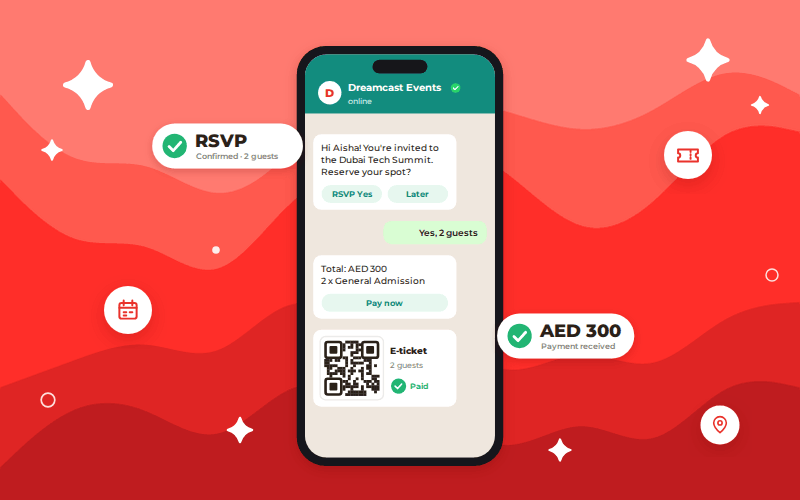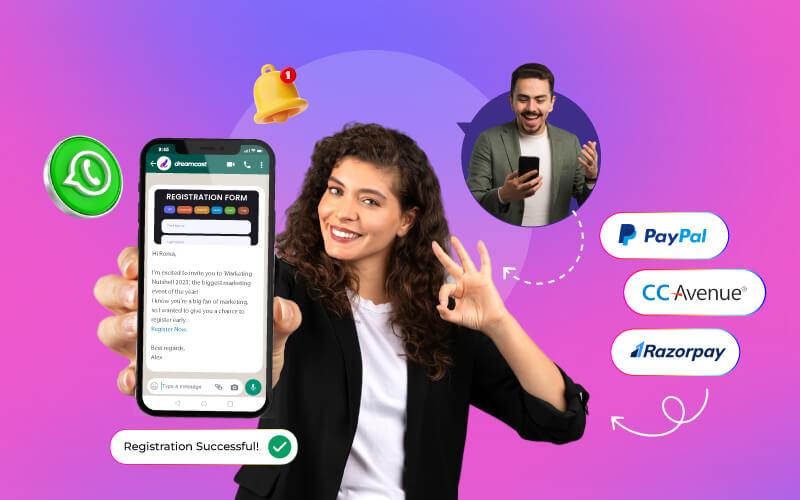


WhatsApp for event registration and ticketing helps organizers reduce friction, improve attendee communication, and simplify ticket delivery. By enabling registrations, confirmations, QR-code tickets, reminders, and event updates through a familiar messaging platform, organizers can create a more convenient attendee experience.
When combined with a comprehensive event technology platform like Dreamcast, WhatsApp becomes a powerful channel for increasing registrations, improving attendance rates, and streamlining event operations from start to finish.
Introduction
In the rapidly growing digital era, we have all witnessed how technology has taken every aspect of our lives. It’s not of any surprise that event management has also moved online. For years, event organizers and businesses have been looking for new ways to make the event registration and ticketing process smoother and more efficient. Did you know 71% of consumers expect personalized interactions from brands? One such effective way in today’s age is to leverage the power of WhatsApp for event registration and ticketing.
Here today in this blog we are going to explore all the important aspects of how you can use WhatsApp for your event ticketing and registration needs. Additionally, we will discuss its important factors.
What is WhatsApp For Event Registration And Ticketing?
Event registration and ticketing are one of the features of Whatsapp automation that simplify such processes. Incorporating Whatsapp for RSVP management or event planning means sending automated messages, collecting attendee information, issuing digital tickets, and communicating with attendees in real-time. It is important because 76% of consumers get frustrated when personalization is absent.
In simple terms, we can say Whatsapp for event registration and ticketing is an innovative approach for organizers to streamline their event planning and management. It not just saves time and effort but also eases down many hustles and provides an enhanced experience and boosts attendance rates. However, there are many other reasons to use it. Let’s see next what are;
Why Use WhatsApp for Event Ticketing and Registration?
We all use Whatsapp in our daily lives to be connected with our family and friends or with certain community groups. It seems like Whatsapp is now an integral part of all our lives. So, how about using it for your event registration and ticketing? It’s fast, easy, and offers an array of reasons. Also, WhatsApp has over 2 billion active users according to the Meta, making it a familiar application for most of the event attendees.
Also Read: Event Sign-Ups with WhatsApp: Managing Paid & Unpaid Registrations
The 5 Ultimate Reasons to Use Whatsapp for Event Registration and Ticketing
According to the Deloitte Insights, businesses continue increasing investment in conversational customer engagement.
Well, there are numerous reasons to use WhatsApp, but the below five are considered the most suitable that will convenience its versatility.
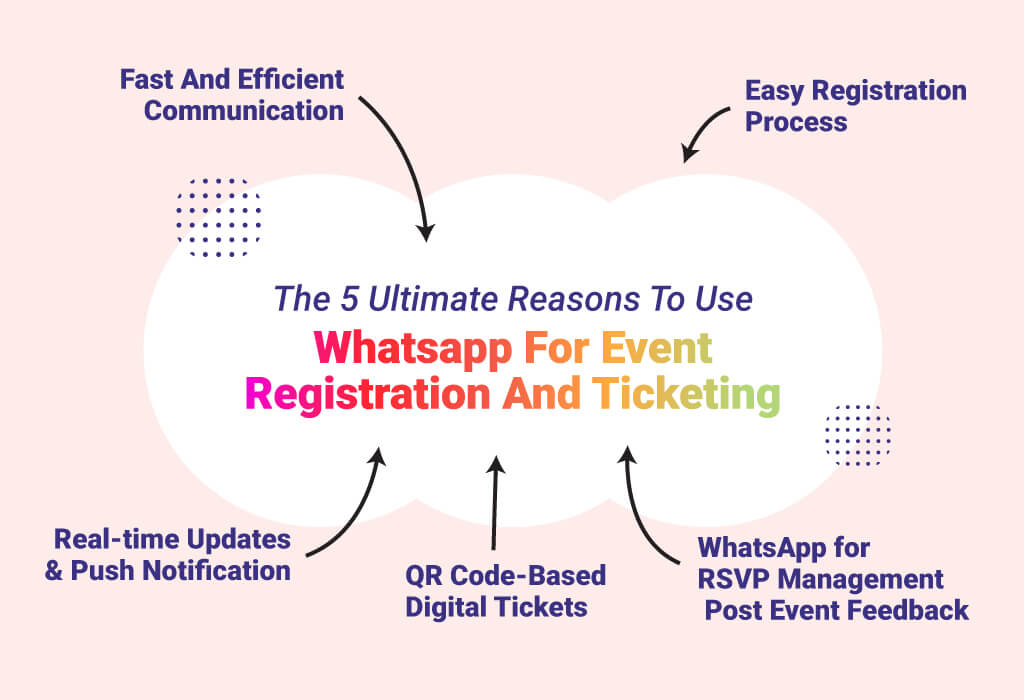
Fast and Efficient Communication
Whatsapp offers fast, real-time communication with attendees where you can resolve any of their queries, provide necessary information about the event and a lot more. Additionally, by integrating the WhatsApp chatbots you can automate your communication as well as feed frequently asked questions.
Easy Registration Process
As most event attendees or people are familiar with the application. So, it will be quite easier for them to register and receive their tickets while saving time and effort. It is believed that easy registration increases attract more attendees.
Real-time Updates & Push Notification
This is considerably the best functionality WhatsApp offers. Real-time updates and push notifications about the event schedule, venues, or any other details and last moment changes. This overall fosters communication and eliminates any situation of doubt before, during, and after the event.
QR Code-based Digital Tickets
With Whatsapp automation for event ticketing and registrations, you can create and send QR code-based digital tickets to your attendees. This approach eliminates the need for physical tickets and smooths the check-in process. Additionally, eliminating the printing of paper tickets also contributed to a greener environment.
WhatsApp for RSVP Management & Post Event Feedback
It is always a tedious task to collect feedback or send reminders but customer experience is a key competitive differentiator. However, WhatsApp for RSVP management can be helpful to manage all these tasks. You can now automate sending reminders, follow-ups to your attendees, and even post-event feedback.
Now you have got an idea of why to use WhatsApp for event ticketing and registrations. Let’s look at some of the top benefits it offers;
Top 10 Benefits of WhatsApp Automation for Event Ticketing and Registration
Here are the top 10 benefits that anyone can leverage by incorporating WhatsApp automation in their event planning and execution.
- Efficient and optimized ticketing process
- Less effort and administrative responsibilities for event organizers
- Improved accuracy and dependability of attendee information
- Real-time communication with attendees via WhatsApp
- Cost-effective alternative to traditional ticketing systems
- Convenient and easy registration for participants
- Personalized chatbots for engaging registration experience
- An easy registration process leads to increased participation
- Third-party integration for more functionality
- Post-event feedback and interactivity possibility
Well, you have read all the reasons, benefits and other aspects of it. However, before you incorporate WhatsApp for event ticketing and registrations, you should start looking for the essential features you require based on the problems or needs. So, here in the next section let’s look at some of the essential features you need to enhance your event dynamics.
Read more about: Why Should You Use WhatsApp for Event Registration?
“The biggest challenge in event registration is not collecting attendee information. It is reducing friction. Every additional step lowers conversion rates. WhatsApp succeeds because it meets attendees where they already spend their time.”
— Event Technology Consultant
How WhatsApp Event Registration Works Practically
Many organizers assume WhatsApp event registration simply means sharing a registration link. Modern implementations are significantly more advanced. A typical attendee journey may look like this:
Step 1: Registration
An attendee clicks a WhatsApp CTA from a website, social post, email, or advertisement. The conversation automatically collects:
- Name
- Email address
- Mobile number
- Organization
- Ticket type
Step 2: Confirmation
Upon completion, attendees receive:
- Registration confirmation
- Event details
- Calendar links
- Venue information
Step 3: Ticket Delivery
Digital tickets with QR codes are delivered directly through WhatsApp. This eliminates ticket retrieval issues often associated with email inboxes.
Step 4: Event Reminders
Automated reminders can be sent:
- 7 days before
- 24 hours before
- 1 hour before
Step 5: Event-Day Communication
Organizers can share:
- Venue maps
- Check-in instructions
- Session updates
- Agenda changes
Step 6: Post-Event Follow-Up
Attendees can receive:
- Session recordings
- Feedback surveys
- Certificates
- Future event invitations
The result is a unified attendee communication channel that improves convenience and engagement throughout the event lifecycle.
WhatsApp-Driven Smart Solutions for Your Next Event
There is a wide range of solutions that resolve different problem statements of the event. Additionally, in order to cater to different requirements, you need to incorporate them. For a better understanding consider a chat application which can be used in a variety of ways like; marketing, e-commerce, sending live locations, product to personal details, and many others. How you use that chat application is in your hands.
So, in the same context here are some of the critical features and functionality you should look for. But before that always determine your needs and set your goals. So that you don’t end up wasting your money.
Key Features of WhatsApp Automation
- Event Registration (Paid / Unpaid
- RSVP Management
- Event Ticketing
- Push Notification & Broadcast
- Database Marketing
- Live Audience Engagement
- Post Event Feedback
- Digital Event Help Desk
- User Journey Automation
- E-commerce
- Whatsapp For In-Person Event Registration
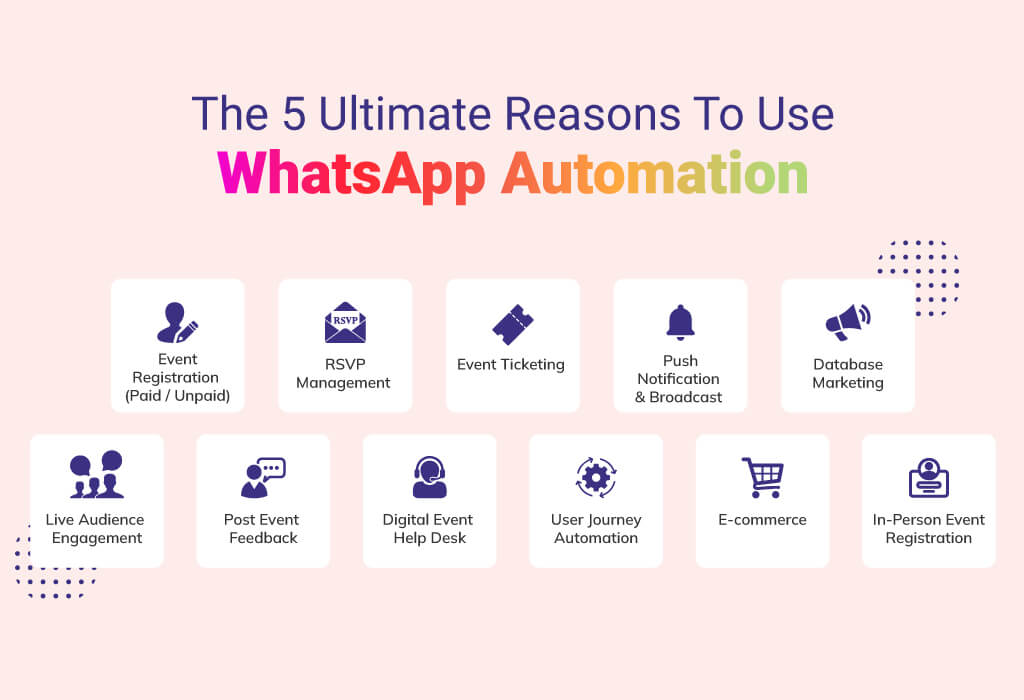
The above-mentioned are some of the crucial features and functionality we at Dreamcast offer. To learn more about its actual use cases and how it works. Follow the link; WhatsApp Automation
Up To You
Undoubtedly, Whatsapp for event registration and ticketing is one of the best solutions every event organizer should need to look for. For easy, accessible and time-saving registrations. It is necessary to introduce such technology. Additionally, it also reduces the human efforts and manual registration and ticketing process that takes a lot of time and workforce.
If you are also looking forward to streamlining your registration and event ticketing process. Look forwards to Dreamcast’s WhatsApp Automation solutions where every integration is done to resolve your goals and objectives. To know more or have any queries Book Your Free Demo Now.
Create an Extraordinary Event Experience
Across All Event Formats
FAQs
You can connect WhatsApp to your registration workflow so attendees can register, receive confirmations, and access tickets through a familiar messaging platform.
Most event platforms can automatically deliver QR-code tickets, registration confirmations, and event details directly to attendees via WhatsApp.
Use automated reminders, personalized updates, venue information, and event-day notifications to keep attendees informed and engaged.
You can use workflows and chat automation to send confirmations, reminders, FAQs, ticket information, and post-event follow-ups.
Use registration analytics, campaign tracking links, and conversion reporting to measure registrations generated through WhatsApp.
WhatsApp works particularly well for large events because it supports automated communication, ticket delivery, reminders, and attendee e
ngagement at scale.